
Guide · swap
How to swap ETH to USDC in your browser (no CEX)
Swap from ETH to USDC using Speed OS in Chrome: new tab workspace, on-device vault, and the same swap tooling model as the Speed CLI. Screenshots show the in-product shell (replace with your live captures if needed).
You can swap ETH to USDC in your browser without sending funds to a centralized exchange by using a non-custodial workflow: quote the route, confirm slippage and fees, and sign with a key that stays on your device. Speed OS is a Chrome extension that replaces the new tab with a trading workspace; swapping uses the same Speed / Lightspeed-CLI tool model you would run in a terminal, but rendered in the new tab.
At a glance
- No CEX account is required for the swap mechanics described here (you are still subject to onchain protocol and aggregator behavior).
- Keys are intended to live in the on-device vault (not on Speed’s servers). If you also use optional MCP, treat it as config merge, not key custody.
- Screens below are placeholders copied from a brand asset so the layout works; replace with real new-tab captures from your machine for production polish.
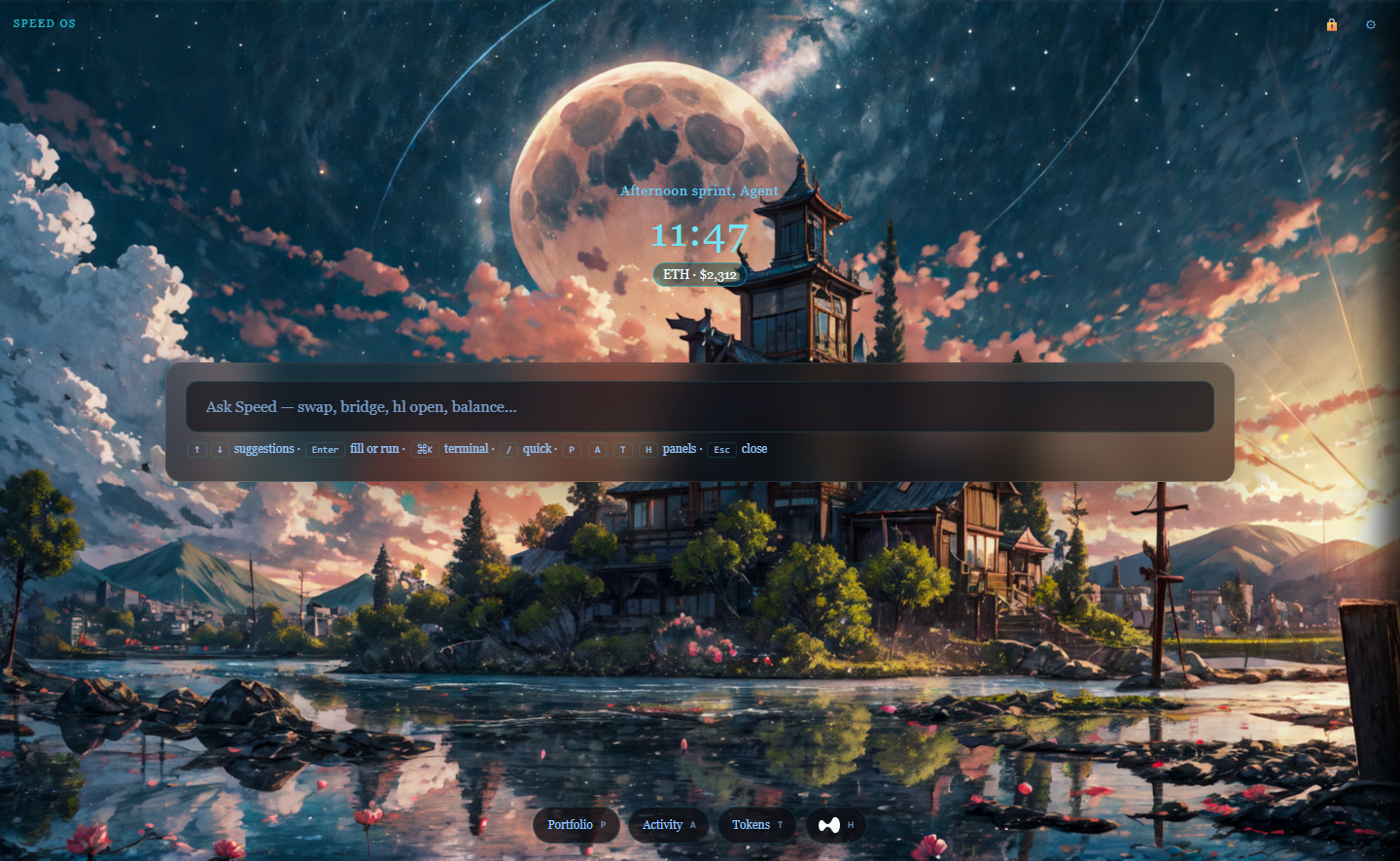
Step 1 — Open the Speed OS new tab
Open a new tab. You should see the Speed OS shell (Ask, panels, optional terminal). If you do not, confirm the extension is installed and the new tab override is enabled in Chrome.
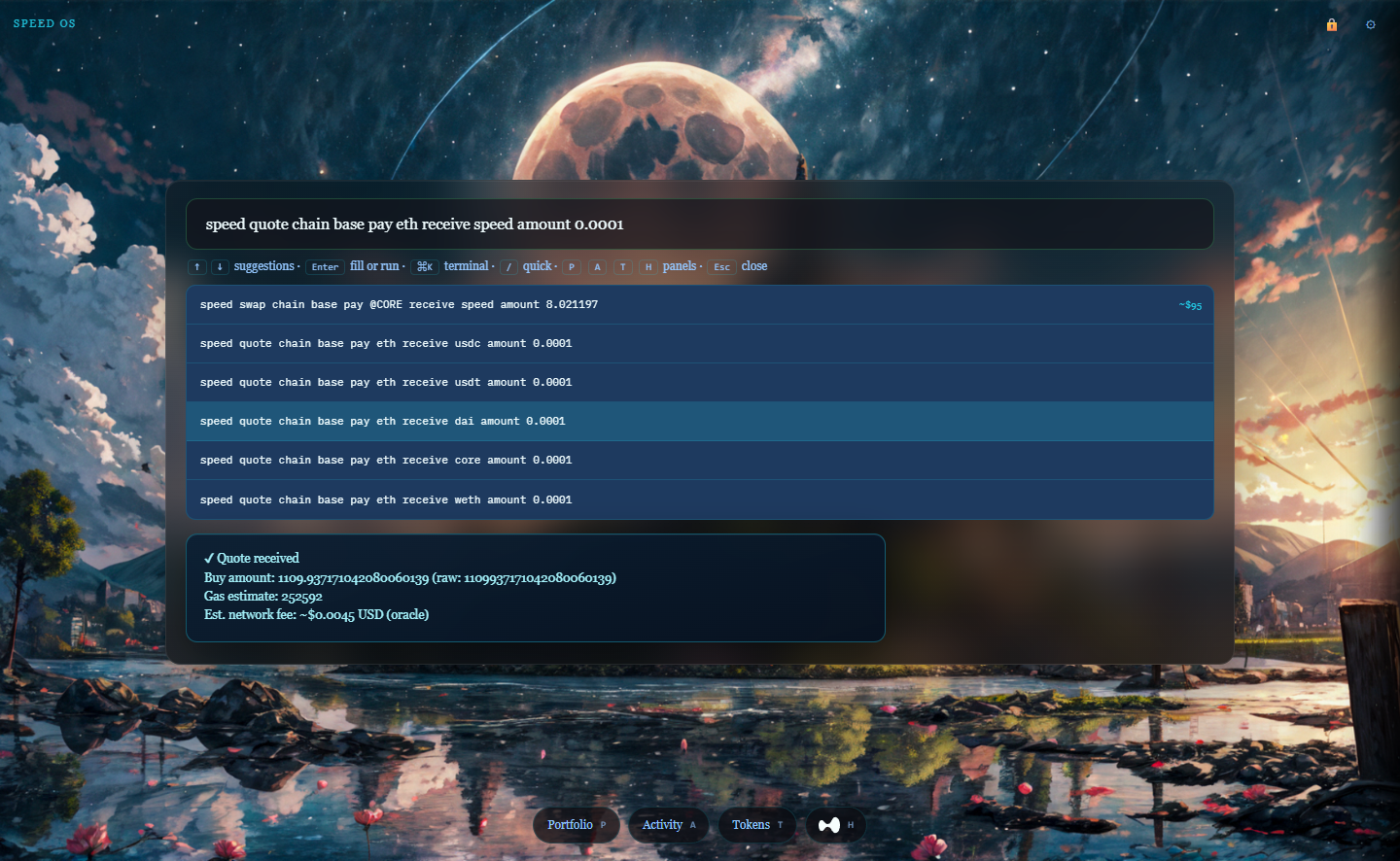
Step 2 — Start the swap (ETH → USDC)
Start a swap flow with an explicit from asset (ETH), to asset (USDC), and chain selection. If you are practicing, prefer a small size and a chain with predictable fees. Read the quote details: price impact, fees, and any router warnings.
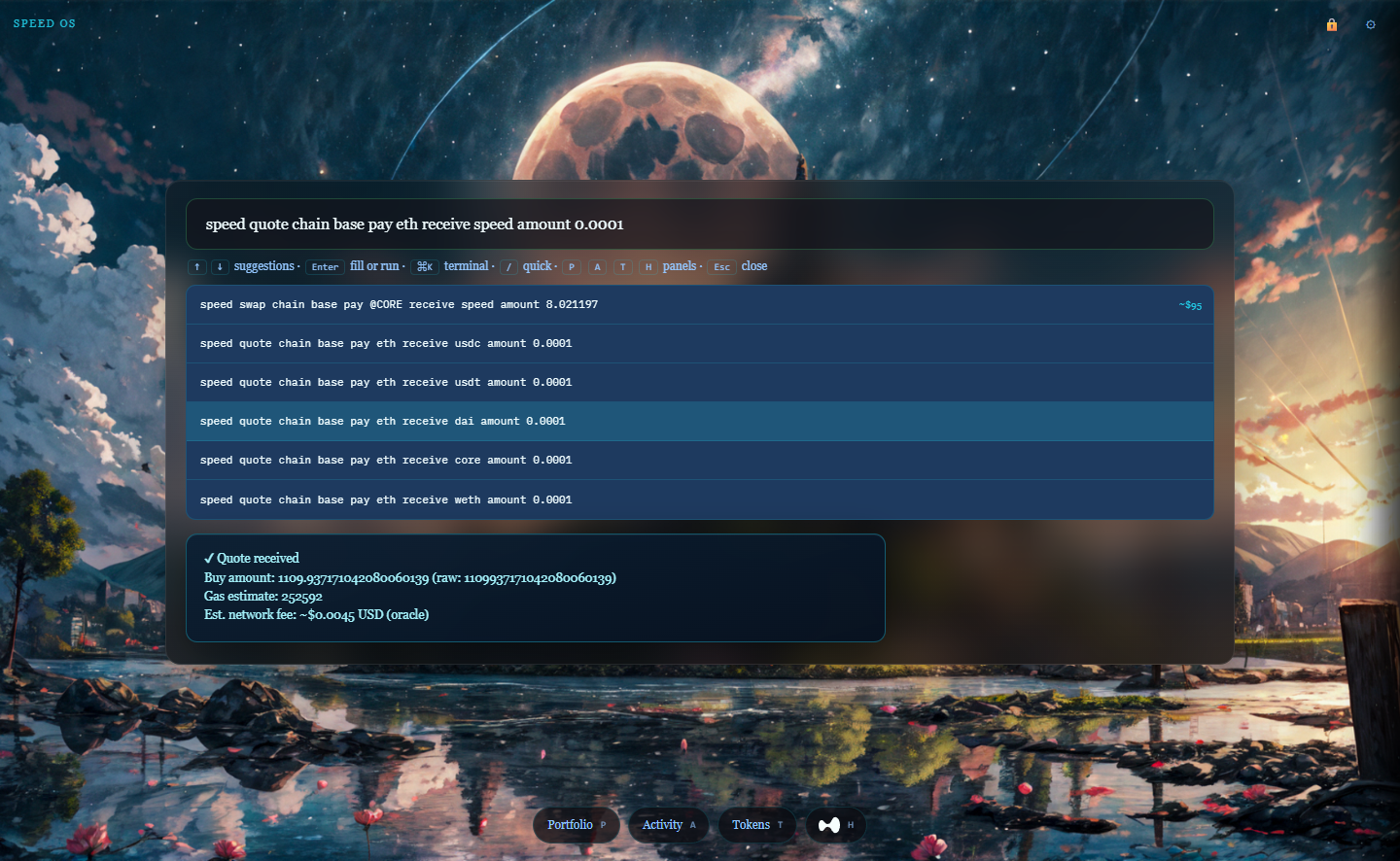
Step 3 — Sign with your local vault
When the flow needs an onchain transaction, unlock the vault for the session if prompted, then read the transaction preview before you sign. This is the same “don’t sign blind” rule as any wallet—just in a new-tab workspace.
FAQ
Is this the same as MetaMask + Uniswap?
It is a different session shape. MetaMask is often a signing surface around a dapp. Speed OS is a workspace for repeated tool actions from the new tab.
What if I need USDC on another chain?
That is a bridge problem, not only a swap. See the bridge guide.
Can I automate this?
Optional MCP is about environment parity for agent-style runs; it does not remove your responsibility to review what gets signed.
Related
- Bridge tokens across chains in the browser — when “swap” is not enough.
- MCP, agents, and browser trading — why optional MCP exists next to a vault.